Learning how to make a digital closet usually starts with a pile of clothes and a phone, and ends about forty items later. There is a faster order of operations: start with what you have bought online, then photograph only what is left. Here is the method, step by step, whichever app you use.
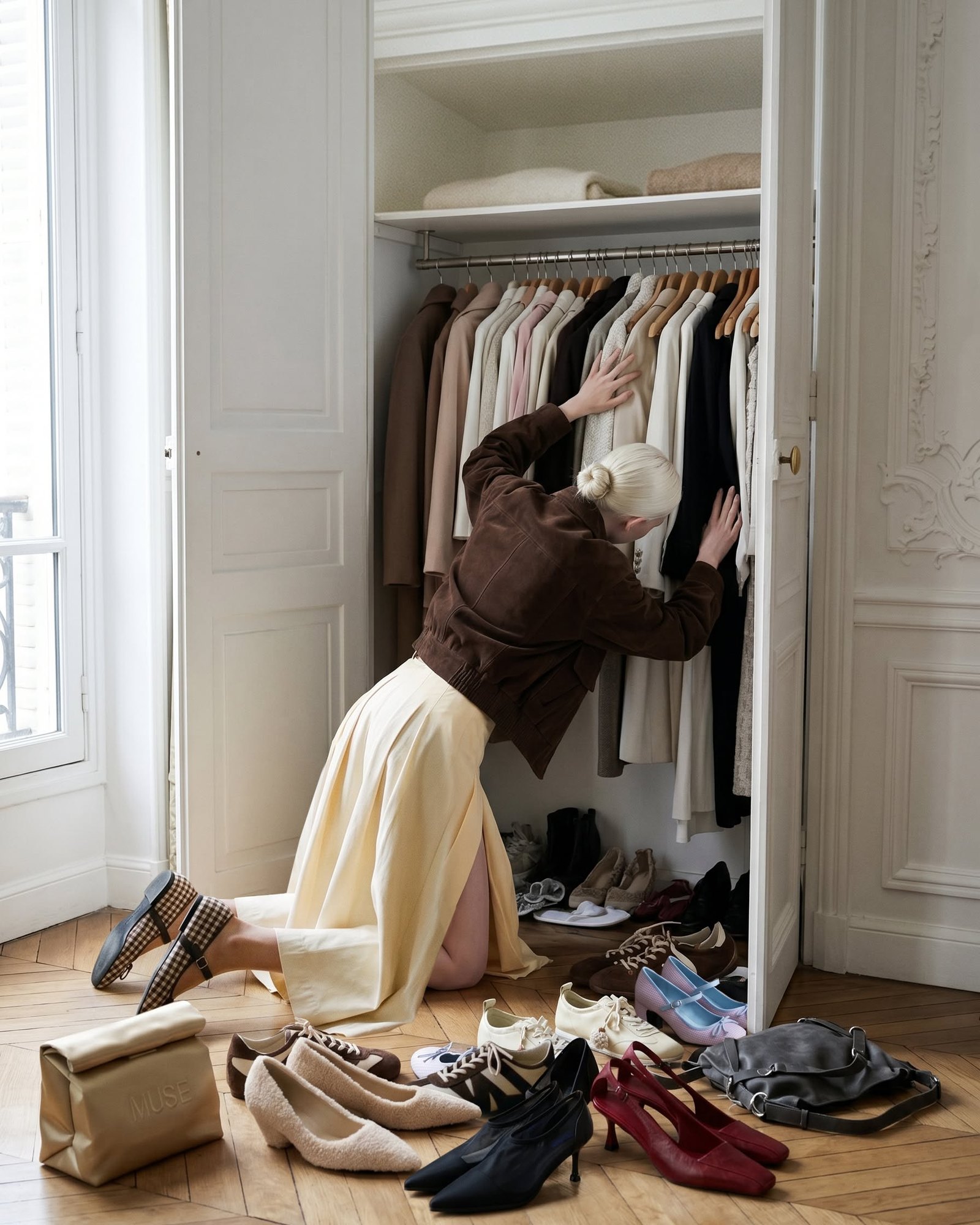
How to Make a Digital Closet Without Photographing Everything You Own
Start with the receipts, not the hangers
If you are wondering how to make a digital closet quickly, the slowest way is the obvious one: item by item, hanger by hanger, with your phone camera and a lot of patience. Confession #1: that is exactly how I tried it the first time, and I made it through one drawer.

The fastest way is to begin with your order history. Most of what you have bought in the last few years already exists as an email with a product photo attached, and that email has the brand, size and color in it too. In Phia, connecting Gmail turns those retailer order confirmations, receipts and shipping emails into closet items automatically. Instant camera roll sync picks up the pieces you have already photographed, and anything you buy with the Phia browser extension adds itself at checkout.
Other apps take a version of this. Acloset and Fits can import past orders from some retailer accounts, and Acloset, Fits, Indyx and Alta Daily let you forward receipts one at a time. Whichever you use, do the imports first. A big share of your wardrobe appears without you lifting a hanger, and the job that is left is suddenly small.
Photograph the rest in one sitting
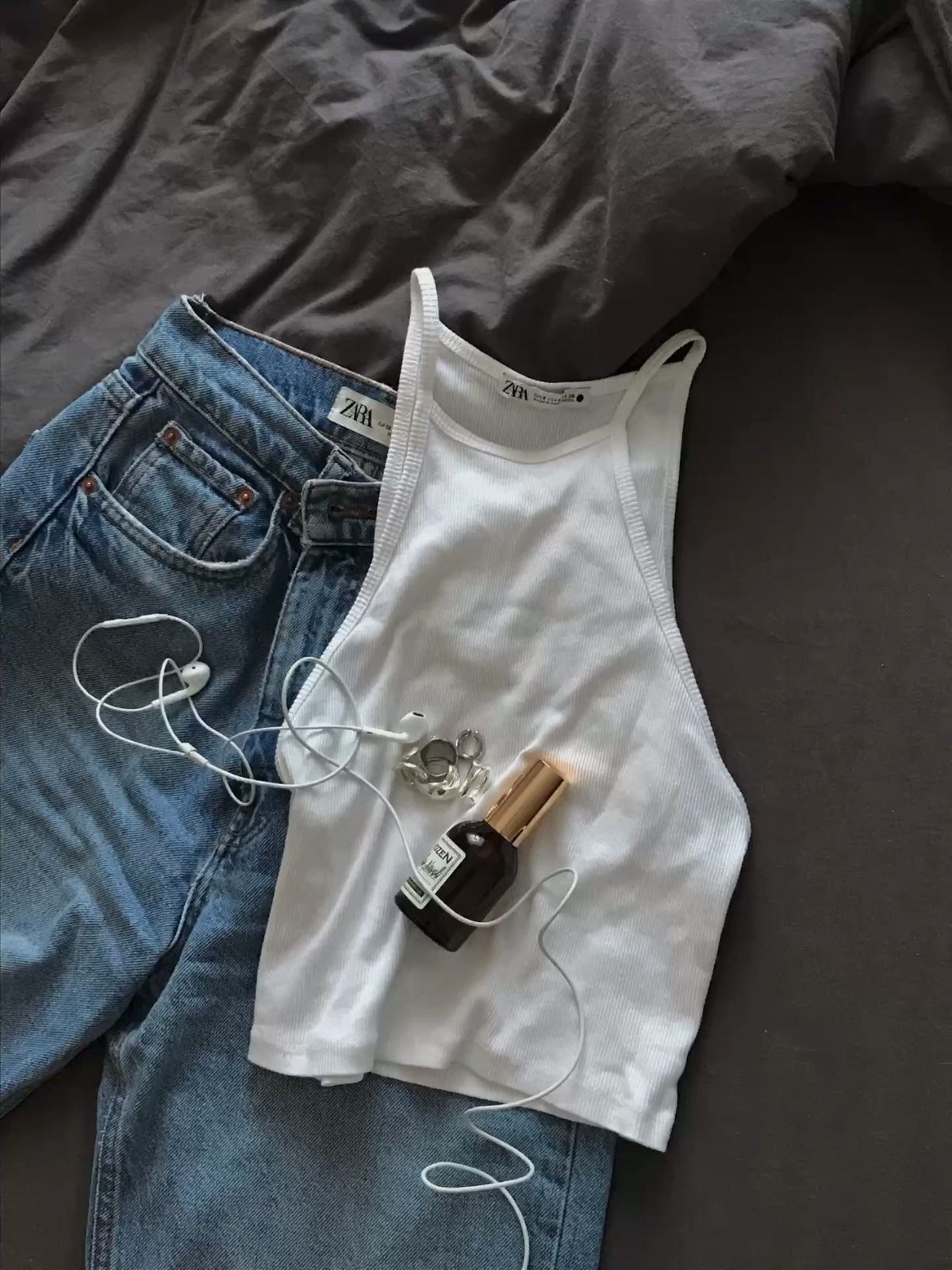
What is left after the imports is usually the older pieces, the secondhand finds and the gifts. This is the part where you do need your camera, so make it one focused session instead of a month of good intentions.
Lay each piece flat on a plain surface in good daylight, or hang it against a blank door, and shoot straight on. Most closet apps now remove the background for you, so the photo does not need to be perfect, it just needs to be clear. If you already have a mirror selfie wearing it, even better, because camera roll sync can work from the photos you have.
Go by category rather than room by room: all knitwear, then all denim, then all shoes. It makes tagging faster and you will notice duplicates as you go. Confession #2: I found four nearly identical cream cardigans this way. An hour of this goes further than a weekend of half-hearted attempts.

Let the app start styling you
Here is the step most guides skip. As soon as you have a few pieces in, start asking the closet for outfits, because that is when it starts paying you back.
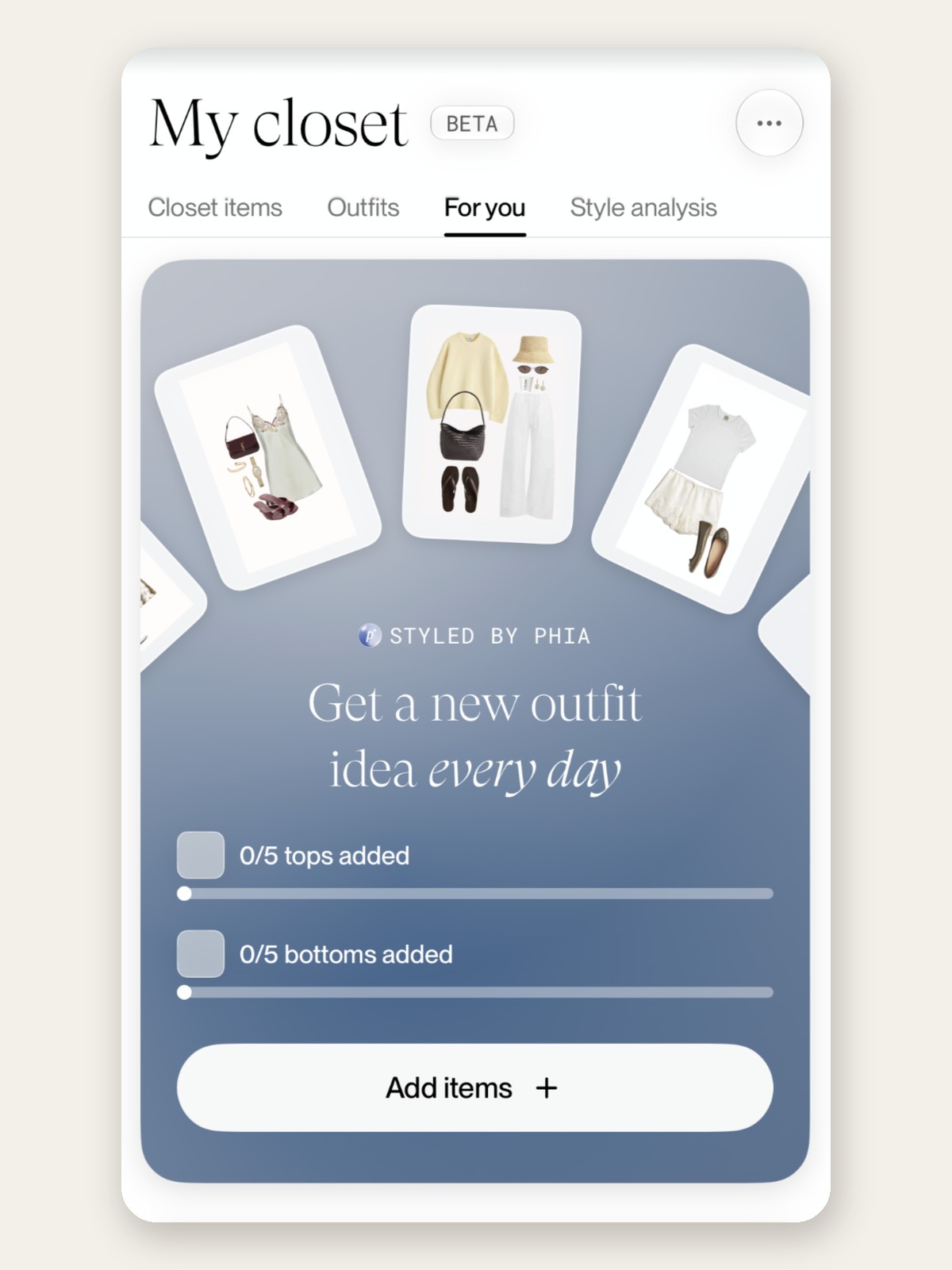
In Phia, the For you tab has a card called Styled by Phia that promises a new outfit idea every day. It unlocks once you have added five tops and five bottoms, which is a nice small first goal for a brand new closet. From there, the Outfits tab gives you two ways to plan. You can style it yourself, picking pieces and naming the look, or let Phia's algorithm instantly suggest how to pair what you own. Style from one item is my favorite: choose the one piece you never know how to wear and Phia builds an outfit around it.
Save the ones you like and name them for the moment, like "apple picking" or "dinner Thursday." A few days in, you will have a little library of outfits that already work.
Read your style analysis, then tag
Tags are where a digital closet becomes useful rather than decorative. Category and color are the minimum, and season and occasion (work, weekend, evening) are the filters you will reach for at 7:40 in the morning.
Before you invent thirty custom tags, open Phia's Style analysis tab. It reads your closet and describes your style back to you in a few sentences, then shows your top colors by percentage, your vibes, your top brands and how many items and outfits you have. You can edit the vibes if they feel off, and add up to ten styling rules you swear by. The analysis refreshes as your closet hits item milestones, so it gets sharper the more you add. It tells you, very quickly, what your closet is actually about, and that tells you which tags matter.
Make it pay for itself
A digital closet earns its keep in two moments. The first is getting dressed, when you can see combinations you forgot existed. The second, and the one most people underrate, is shopping.
Before you buy, check what you already own. This is why Phia's closet lives inside a shopping assistant. When you are about to check out, the closet is right there, along with a check of whether the item is cheaper elsewhere across more than 220,000 sites, new and secondhand. Seeing three similar black knits in your own closet next to a better price on the fourth is a very effective pause.
If the piece still makes sense, you buy it for less. If it does not, you style one of the three you already have.
Keep it current without trying
The real test of any digital closet is month three. A closet that depends on you remembering to add every new purchase will drift out of date, and once it is wrong you stop trusting it.
Automatic imports solve most of this. Phia's Gmail sync and its extension add new purchases as you make them, and camera roll sync catches what you photograph, so the closet keeps up with you instead of the other way around. Your style analysis and outfit suggestions keep up too.
Once a season, do a five-minute sweep to delete what you have given away, sold or returned. That is the whole maintenance plan, and it is the reason this one sticks. If you want to keep browsing, I also put together The Leather Jacket That Works With Everything You Own.