An outfit planner app promises to end the seven-minute stare into a full wardrobe. Whether it does depends on two things: how much of your closet it knows, and how good its suggestions are once it does. Here is how the leading planners compare, and where a shopping-first closet like Phia fits in.
Choosing an Outfit Planner App You Will Actually Open
The morning problem
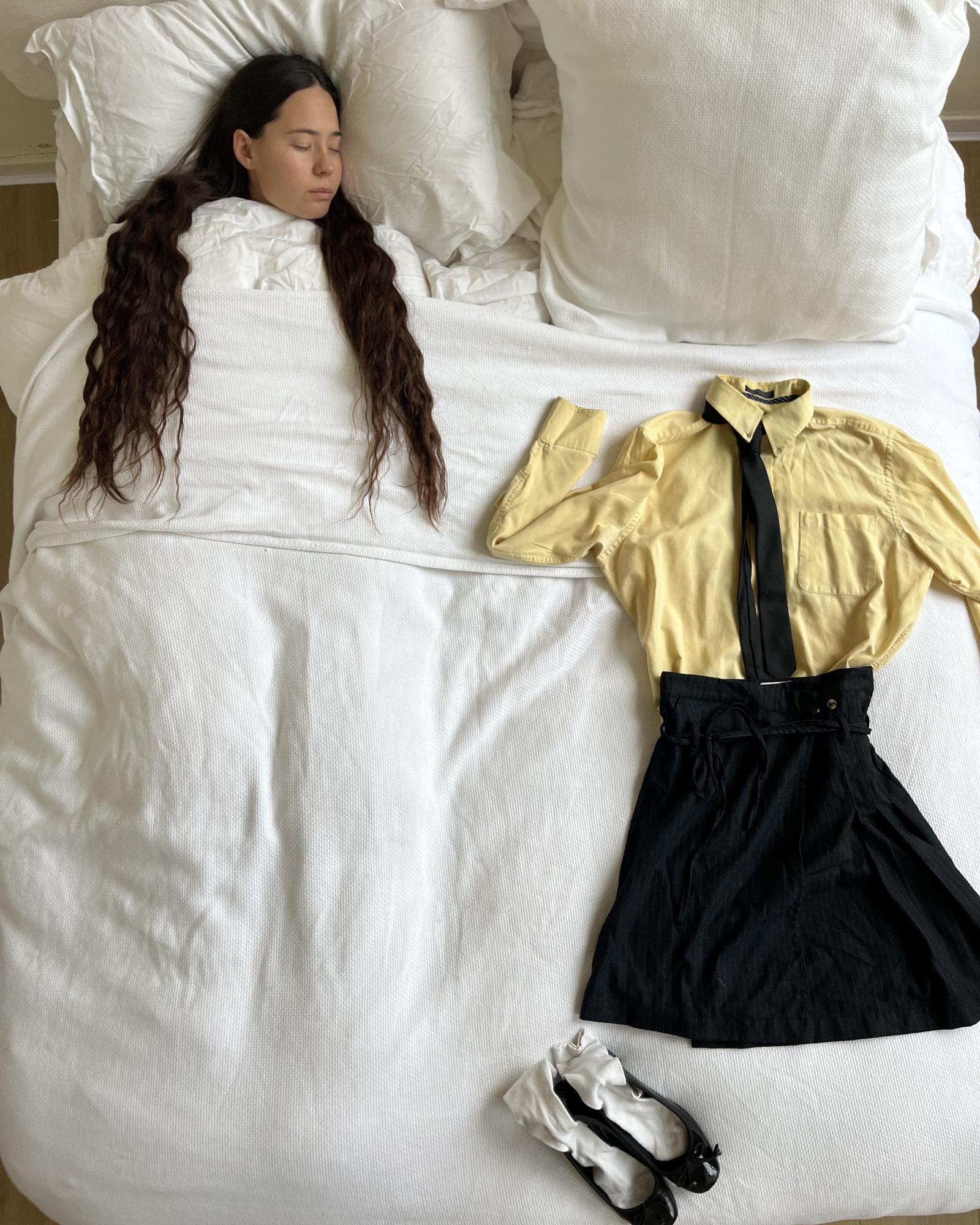
Having nothing to wear in a full closet is not a cliche so much as a design flaw. You can see maybe a third of what you own, so you reach for the same third. Confession #1: I have worn the same jeans and black knit combination for so many Mondays that my coworkers could set a clock by it.
Outfit planners exist to put the rest back in view and suggest combinations you would not have tried. The trouble is that a planner is only as good as the closet behind it, and most closets in these apps are half-built because photographing everything takes hours.
So before you compare outfit features, ask how you will get your clothes in. Phia's Gmail sync turns retailer receipts into closet items and instant camera roll sync adds what you have already photographed, which means the planner has your whole wardrobe to work with on day one, not just the forty pieces you managed to shoot.
The dedicated planners
Full disclosure: I write for Phia, and Phia makes one of the apps here. I have tried to describe every app fairly, using each company's own listing and site as of October 2026, so check them yourself before you commit.
Fits is free with unlimited items and outfits, has a calendar, AI suggestions that consider weather and occasion, and lets you forward order confirmations or import past orders from some retailers. Whering is free and plans outfits from your wardrobe and the weather, with a social side where friends can style you. Indyx gives you drag-and-drop outfit boards and a wear calendar, and leans on human stylists rather than AI. Acloset generates outfits by occasion, weather and schedule, free up to 100 items.
All four are real planners with real fans. What they share is that the planning depends on you, or on how complete you managed to make the closet.

Task: Planning your outfits
My pick: Phia.
Phia's Outfits tab gives you both ways of planning. You can do it yourself: tap Add outfit, choose Style it yourself, drop in the pieces, name it and save it. It is a clean, simple board, and every outfit shows as a neat flat lay in your grid.
The part I did not expect to love is the algorithm. Phia instantly suggests how to pair the items you own, so you are never starting from a blank screen. Suggested outfits for you sits at the top of the tab, and a tap saves the ones you like. Style from one item takes a single piece, say the sculptural top you bought for one party, and builds an outfit around it. Generate outfit starts from nothing and still uses only your clothes.
Confession #2: I now plan Monday on Sunday night in about forty seconds, and I have not worn the jeans and black knit combination in weeks.
Install Phia for free on iPhone, or add the Chrome extension.
Outfit of the day, styled for you
The For you tab is where Phia does the planning before you even ask. Styled by Phia sends a new outfit idea every day, built from your own closet, once you have added five tops and five bottoms. Add your city or zip code and the outfit of the day can take the weather into account, with a little label like "mild, dry" so you are not dressing for the wrong forecast.
Each idea comes with a name, like Layered Casual or Evening Elegance, the date, and two buttons: edit it, or save it to your outfits.
Tap Generate outfit and Phia pulls from the closet you already have, then builds full looks in seconds: a white tank, an initial necklace, bootcut jeans and black flats for a Saturday downtown; a cropped trench with black jeans, ankle boots and a printed tote for fall errands; a red feathered blouse with a red mini and clear heels for a night out. Save the ones you love to Outfits, skip the rest, and the next suggestion is already waiting. That is the part of outfit planning I never want to do by hand again.

The AI stylists
A newer wave of outfit planner apps leads with the suggestion rather than the closet. Alta Daily plans around your calendar and the weather and lets you try pieces on an avatar. Cladwell offers daily outfit ideas based on wardrobe, weather and wear history, with its stylist features on a yearly plan.
Reviews of almost every AI planner share one complaint, that suggestions can repeat or miss your style, so give any of them a couple of weeks of feedback before judging. Phia handles that a little differently. Its Style analysis tab reads your closet and describes your style back to you, with your top colors, vibes and brands, and you can add up to ten styling rules you swear by, like never wearing blue with black. That gives the suggestions something real to work from.

Where Phia fits
Phia comes at the morning problem from both ends. At one end, a closet that fills itself from Gmail, your camera roll and extension checkouts, so the planner sees everything you own. At the other, outfits planned by you or suggested instantly by Phia, plus a daily idea from Styled by Phia.
And because Phia is a shopping assistant first, it sits where most outfit planners do not: at checkout. It compares prices across more than 220,000 sites, new and secondhand, and shows you what you already own before you buy. Fewer near-duplicate buys means fewer near-identical options to stare at in the morning, and more of the closet actually getting worn.