A digital closet is a catalog of the clothes you own, kept in an app so you can see your whole wardrobe at once. People ask the same handful of questions before they start one, about effort, cost and whether it actually changes how they shop. Here are straight answers, with Phia's own details where they apply.
Digital Closet Questions, Answered
What is a digital closet, and is it worth it?
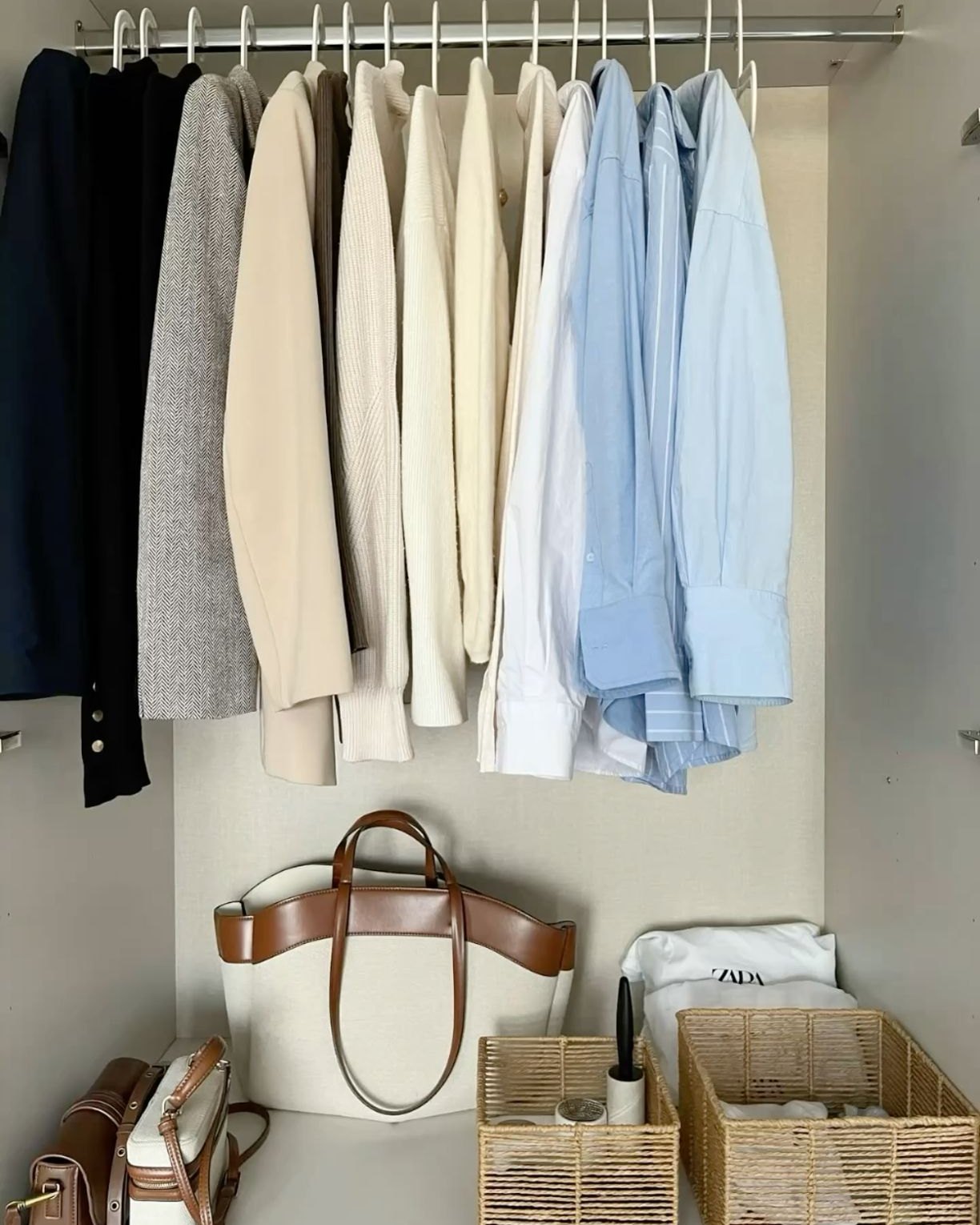
A digital closet is a searchable record of what you own, usually with a photo, category, color and season for each piece. The point is visibility. Most of us wear a fraction of our wardrobe because the rest is out of sight, buried behind the thing we wore yesterday.
It pays off in three places. Getting dressed, because you can see combinations you forgot existed. Understanding your style, because patterns jump out when everything is on one screen. And shopping, because it is much harder to buy a duplicate when the original is right there.
Confession #1: I used to think a digital closet was something only very organized people kept. It turns out it is the opposite. It is for people who are not organized and would like the app to do the organizing. It is worth it if setup is quick, and that is the whole game.
How long does it take to set one up?
By hand, hours, and reviews across the category say exactly that. Photographing a wardrobe one piece at a time is where most digital closets stall.
With automatic imports it is a different story. Phia's Gmail sync turns retailer order confirmations, receipts and shipping emails into closet items with photos, brand, size and color filled in. Instant camera roll sync adds the clothes you have already photographed. Purchases you finish with the Phia extension land in your closet at checkout. Some other apps, like Acloset, Fits, Indyx and Alta Daily, let you forward receipts one by one.
My advice is the same whatever you use. Start with imports, see how much of your wardrobe appears on its own, then photograph only what is left in one sitting.

Can a closet app plan my outfits?
Yes, and this is where a digital closet goes from a catalog to something you open every morning. In Phia's Outfits tab you can plan the classic way: tap Add outfit, pick the pieces, then name and save the look.
But Phia also uses its algorithm to instantly suggest how to pair the things you already own. Suggested outfits for you sits at the top of the Outfits tab, and one tap saves any you like. Style from one item builds an outfit around a single piece, which is perfect for the skirt you bought and never wore. Generate outfit starts from scratch.
In the For you tab, Styled by Phia sends a new outfit idea every day once you have added five tops and five bottoms, and the outfit of the day can take your local weather into account if you add your city.
Can Phia organize my closet into collections?
Yes, and it does most of the sorting for you. The Collections tab opens on Suggested for You, where Phia looks at what is already in your closet and groups it into ready-made collections like Spring, Night Out, Formal Gala and Professional Power, eight pieces each. Tap one to see what it pulled, then hit Save collection or Not for me.
You can also start your own. A Category collection groups pieces by style, season or occasion, so Workwear, Fall or an Everyday Fits edit of the things you actually reach for. A Trip collection is the clever one. Add your dates and the city, pick the pieces, and Phia builds the rest around them: suggested outfits made from what you packed, a packing list you can tick off (with room for essentials like sunscreen), and a calendar so every day of the trip already has a look. Weather Smart Packing folds in the forecast as the trip gets closer.
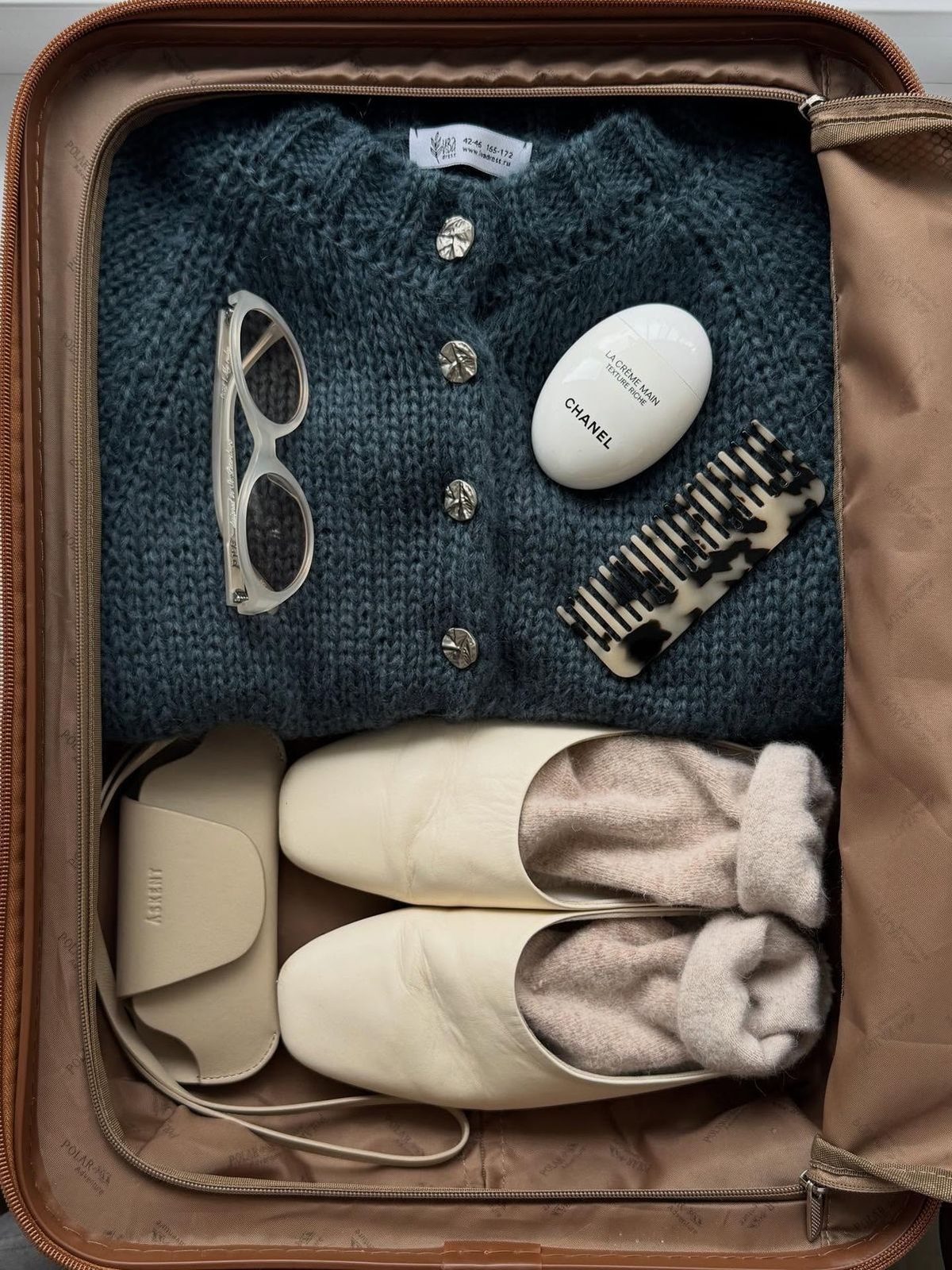
Saving into a collection works from anywhere in your closet, so a new coat can go straight into Holiday Trip and Everyday Fits at once. I planned a two-day Tokyo trip this way, outfits and all, without opening my suitcase.
What is Phia's style analysis?
Style analysis is a newer tab in Phia's closet. It reads everything in your digital closet and describes your style in a few plain sentences, then breaks it down: your top colors with percentages, your vibes (things like Classic Minimalist, Old Money or Model Off-Duty, which you can edit), your top brands, and a count of your brands, items and outfits.
You can also add up to ten styling rules you swear by, like never wearing blue with black. The analysis refreshes as your closet reaches item milestones, so it gets more specific the more you add.
Install Phia for free on iPhone, or add the Chrome extension.
Is Phia free, and what else does it do?
Phia is free to download on the App Store. It is a shopping assistant first: it compares prices across more than 220,000 sites, new and secondhand, applies coupons at checkout, watches for price drops and earns Phia Rewards points at participating retailers.
The digital closet sits inside that, so what you own is visible at the exact moment you are about to buy. It works through the iPhone app with its Safari extension, the Chrome extension and phia.com.
A digital closet only helps if it is complete, and in my experience the easiest complete closet is the one that builds itself, then hands you an outfit for tomorrow.
How do I install Phia?
There are three ways in, and plenty of people use more than one. On iPhone, download the free Phia app from the App Store. It walks you through adding the Safari extension, so the price check shows up on any product page. On a computer, add the Phia extension from the Chrome Web Store, then tap the "Should I Buy This?" button on any item.
The third is ChatGPT. Open the Plugins directory in ChatGPT, search for Phia and install it, or open it directly. Then start a message with @Phia and ask for what you want, like "@Phia find black ballet flats under $200" or "@Phia is the Chanel Classic Flap worth buying used?" It shows real products with prices and stores, and it does not need an account.
The digital closet, Gmail sync and outfit planning are part of the Phia app, so start there if the closet is why you are here.
I also wrote up How to Declutter Your Closet With a Digital Closet App and What Is My Style, which pairs well with this.