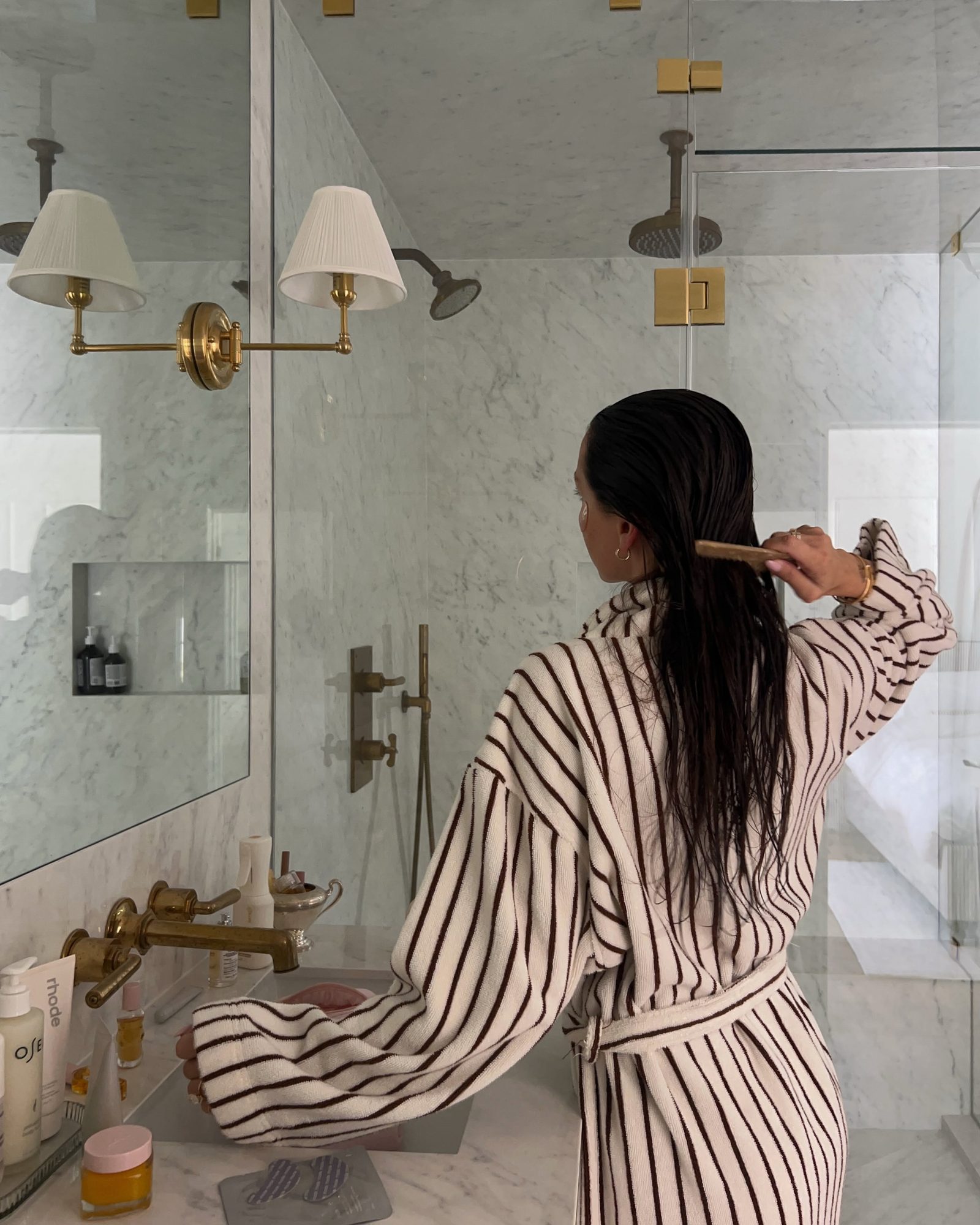
The hardest part of trying to declutter your closet is seeing everything at once without emptying it onto the floor. A digital closet shows your whole wardrobe on one screen, with your colors, brands and patterns laid out by Phia's Style analysis. Here is how to decide what stays and what goes.
How to Declutter Your Closet With a Digital Closet App
Every piece on the floor
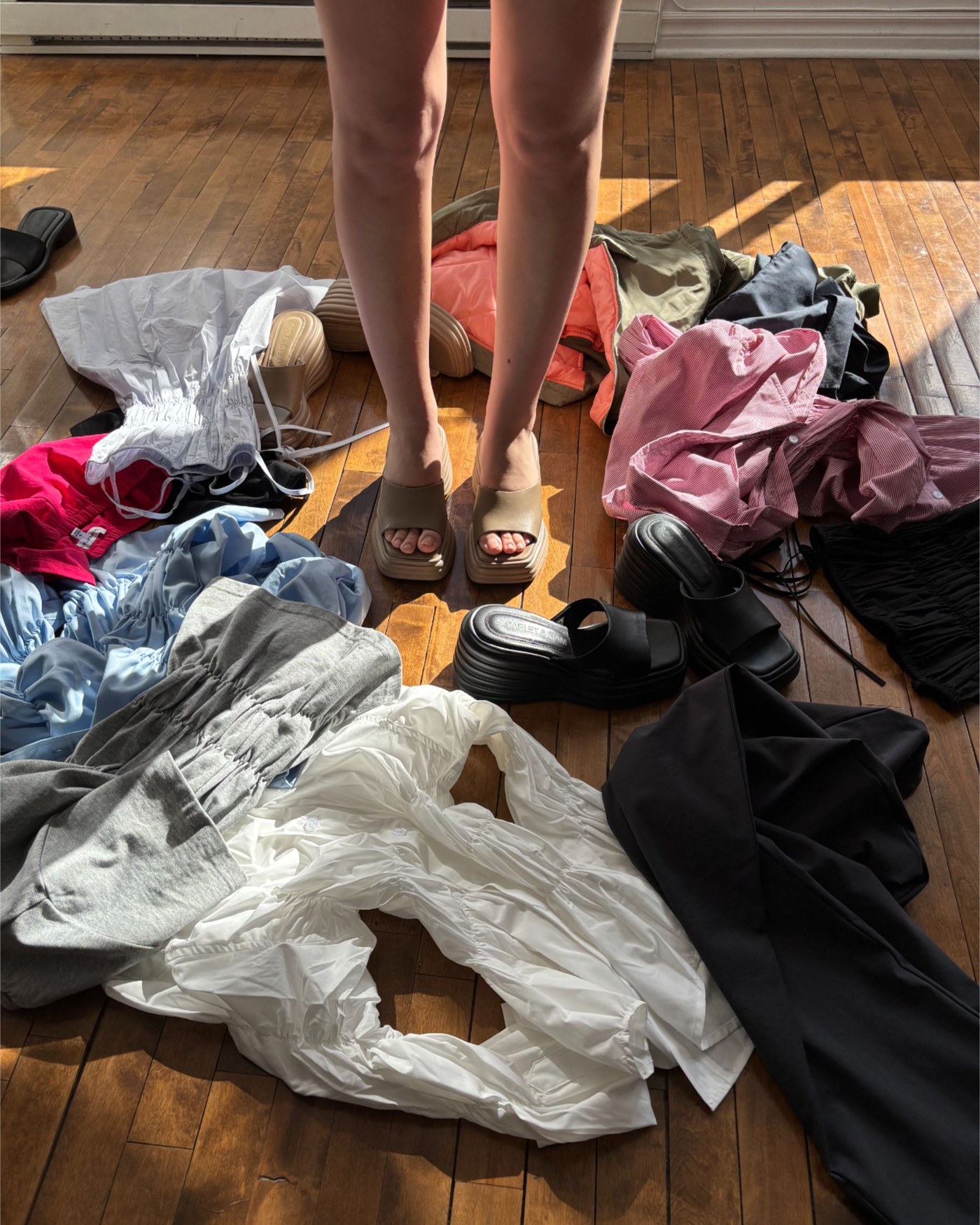
Marie Kondo's The Life-Changing Magic of Tidying Up was published in Japan in 2011 and in English in 2014, and it made one instruction famous: tidy by category, not by room, and start with clothes. Take every piece of clothing you own, put it in one pile, and hold each item to ask whether it sparks joy.
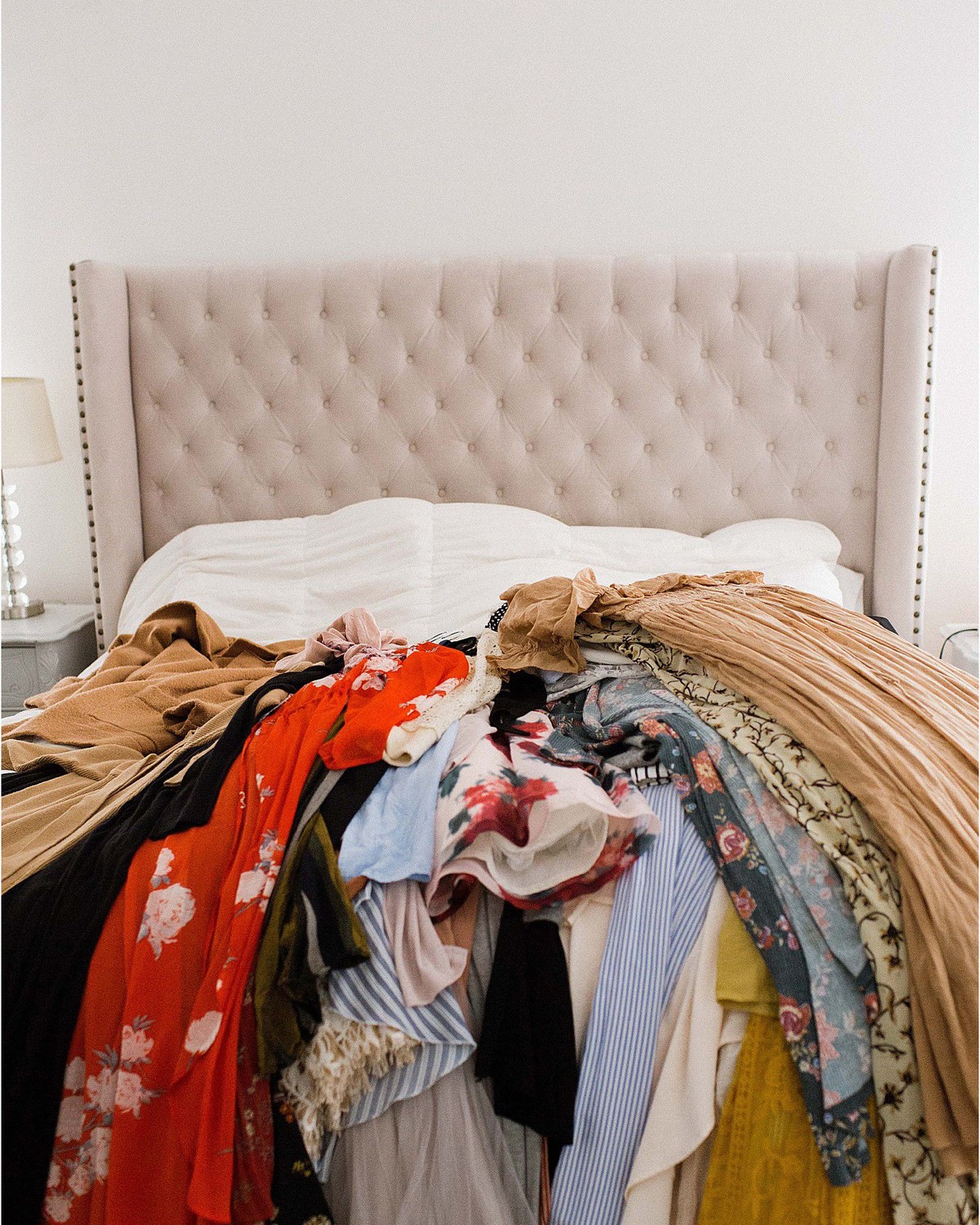
Confession #1: I did the pile once. It covered the bed and most of the floor, it took the entire weekend, and I was so tired by the end that I kept nearly everything just to make it stop. The method works. The pile is exhausting.
The insight behind it is right, though. You cannot declutter your closet when you can only see a third of it. The pile is just a way of seeing everything at once. A digital closet does the same job, on a screen, without the weekend.
The pile, on one screen
Phia builds the pile for you. Connect Gmail and it reads retailer order confirmations, receipts and shipping emails, turning each purchase into a closet item with its photo, brand, size and color. Instant camera roll sync adds clothes you have already photographed, and checkouts through the Phia extension land automatically.
Then scroll it category by category, the way Kondo suggests. All your knits in one grid. All your jeans. It is the first time many of us see that we own seven pairs of black trousers and wear two.
A practical test: in each category, find the three pieces you would grab first and the three you have not worn in a year. The first three tell you what you love. The last three are where decluttering begins.

Let the numbers help
Phia's Style analysis adds numbers to the pile. It counts your brands, items and outfits, writes a short description of your style, and lists your top colors with percentages, your vibes and your top brands.
That turns joy into something a little easier to judge. If eighty percent of your closet is Classic Minimalist neutrals and you are holding a neon blouse you bought on holiday, the question is no longer whether you like it. It is whether it belongs with everything else you own, and whether you will ever wear it with any of it.
Style from one item is the final test. Pick the piece you are unsure about and let Phia try to build a full outfit around it from your closet. If nothing comes back that you would wear, that piece is probably ready to go. What I would skip: keeping something only because it was expensive. The money is spent either way.
Install Phia for free on iPhone, or add the Chrome extension.
Keep the record honest
When something leaves your wardrobe, remove it from the closet in a tap. The same goes for returns. A digital closet that still holds the things you gave away will mislead every outfit suggestion and every shopping check after it.
Keeping it current is easy because Phia does most of the adding. New purchases arrive through Gmail sync or at checkout through the Phia extension, so all you have to do is subtract.
For what you do decide to keep, collections help. The Collections tab can group pieces into categories like Workwear or Fall, or suggest ones like Night Out and Spring. I wrote more about what the closet can do in Digital Closet Questions, Answered.
Clutter starts at checkout
Decluttering is a one-time project if you stop the clutter coming back in, and almost all of it comes in at checkout. With your closet in the same app you shop with, you can check whether you already own something before you buy it.
When you do need something, Phia compares prices across more than 220,000 sites, new and secondhand, and applies coupons at checkout, so the pieces you add are the right ones at the right price.
To try it, download the free Phia app, connect Gmail and let the closet fill, then scroll by category. On a laptop, the Chrome extension keeps new purchases visible. Kondo asked for every piece on the floor. A screen is a little kinder to your back.