The Phia digital closet is the part of the Phia app that keeps track of what you own. It fills from retailer emails if you connect Gmail, from checkouts you finish with the Phia extension, and from photos you add yourself. Here is exactly what it reads, what it stores, and how to switch any of it off.
How the Phia Digital Closet Works
Three ways in
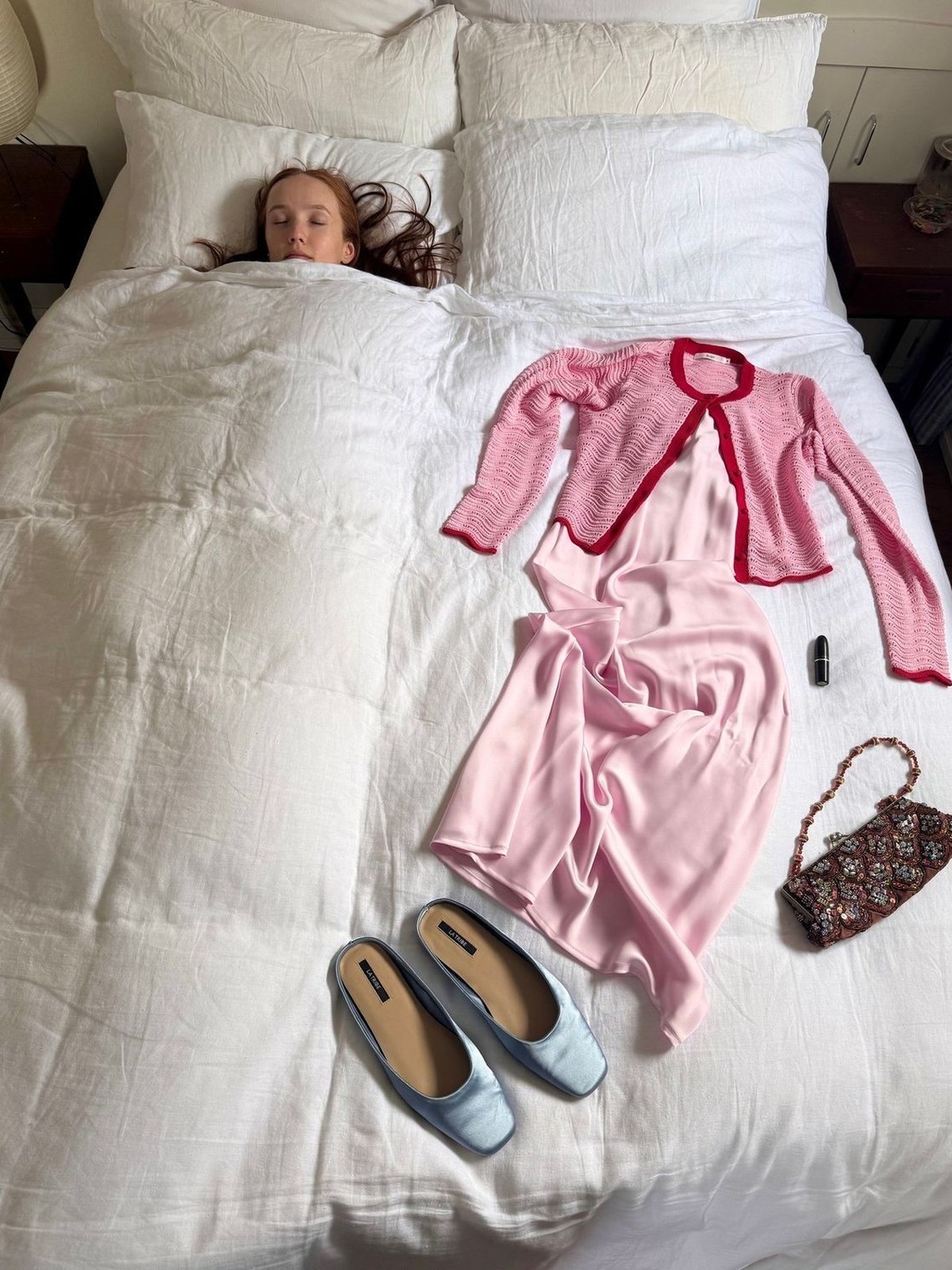
I want to start where every closet app review ends up, which is setup. Confession #1: the reason I never kept a digital closet before was not the app, it was the evening of photographing sweaters on my bedroom floor. I went deeper on a related idea in How to Make a Digital Closet Without Photographing Everything You Own.
The Phia digital closet has three doors so you mostly skip that evening. Connect Gmail and Phia reads retailer order confirmations, receipts and shipping emails and turns each purchase into a closet item. Instant camera roll sync picks up the clothes you have already photographed, from the flat lay to the mirror selfie. And if you shop with the Phia browser extension, a purchase you finish at a supported store is captured at checkout and added on the spot.
For the handful of things that slip through, like the vintage coat or a gift, you can add a piece yourself or search the web for it from inside the closet. Most people end up using all of these without thinking about it, which is the point. The closet keeps up with your life instead of becoming one more chore on the list.
What Phia pulls from your inbox
Gmail sync is the part that feels like magic the first time. Phia looks for order confirmations, receipts and shipping confirmations from retailers. From those emails it pulls the purchase details: item name, description, brand, image, size, color, quantity, price, order number, merchant and order date.
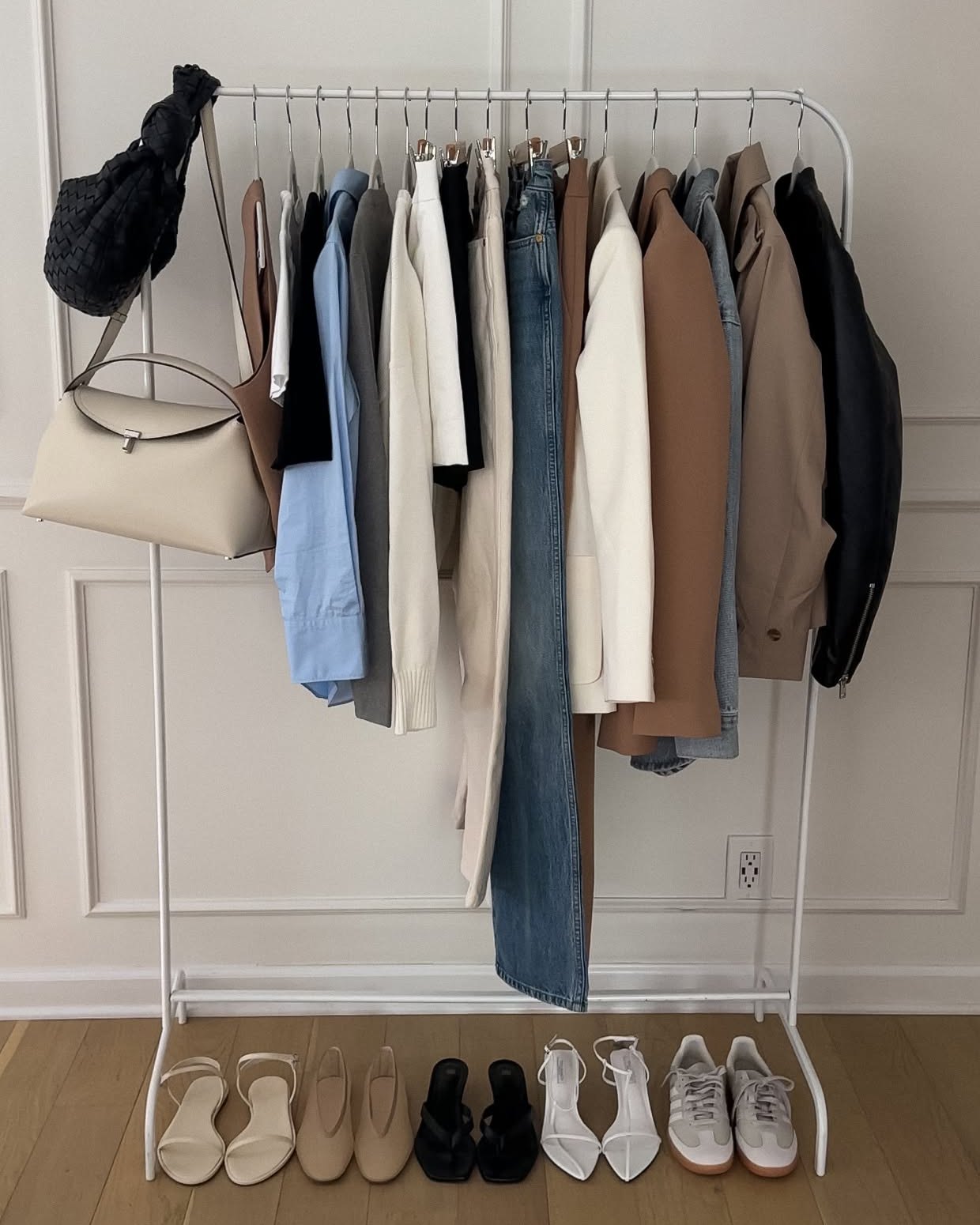
Each one becomes a closet item with its own clean photo, so the grid looks like your wardrobe from day one rather than a half-finished project. It is surprisingly emotional to scroll back through two years of your own shopping, in order, with a photo of every piece. You remember the dress you bought for the wedding, the jeans that never fit, and the boots you have worn every winter since.
Because sync keeps running, new purchases appear without you doing anything. Returned something? Delete it from the closet in a tap, and the rest of the closet stays exactly as it was.

Your style analysis

The newest tab in My closet is Style analysis, and it is my favorite thing Phia has shipped. It reads your digital closet and describes your style back to you in a short paragraph, the way a stylist friend would after one look in your wardrobe. Something like: your collection leans into classic minimalism and modern power dressing, with a strong foundation of black, white and brown.
Under that you get the details. Your top colors, with percentages. Your vibes, like Classic Minimalist, Old Money, European Minimalist or Model Off-Duty, which you can edit if Phia is a little off. Your top brands. And a running count of your brands, items and outfits, which update instantly.
There is also a Styling rules section where you can add up to ten rules you swear by, like "I never wear blue with black" or "I hate green and red together." Phia keeps them in mind when it suggests outfits. The analysis itself refreshes as your closet reaches new item milestones, so it gets more specific as you add.
Outfits, planned or instant
Once your closet is in, the Outfits tab is where it comes alive. You can plan outfits the classic way: tap Add outfit, choose Style it yourself, pick the pieces, then name and save the look. Or you can let Phia's algorithm instantly suggest how to pair the things you already own. Style from one item builds a full outfit around a single piece, and Generate outfit starts from scratch.
Suggested outfits for you appear right in the tab, and a tap saves them to your collection. In For you, Styled by Phia sends a new outfit idea every day once you have five tops and five bottoms, and the outfit of the day can factor in your local weather if you add your city.

Phia's ambassador spotlight on @valentinaaronchi is a good picture of a synced closet in use, because every outfit is built from pieces that already live in it: an icy blue halter top with gold drop earrings, a beaded bag and strappy heels; a black cami with leopard shorts and slingbacks; a gilded corset with a gold choker, black cropped trousers and a brown bag; a black halter dress with a camel bag and nude heels. Four very different nights, one closet.
Try-on and taste
Phia also has virtual try-on. You add a photo of yourself and a product image, and a generative AI service returns an image of the piece on you. It is a quick way to see a new piece next to what you already own before you commit.
Treat try-on as a vibe check, not a size guide, since fit and drape will differ from the real garment. I use it to answer one question: does this color and shape belong with the rest of my closet? If the answer is yes, Phia's price comparison across more than 220,000 sites, new and secondhand, makes sure I pay the best price for it. If you want to keep going, Phia vs Indyx: A Closet With a Stylist, or a Closet With a Price Check is the one I would read next.
That is the whole loop. A closet that fills itself, outfits that plan themselves, a style analysis that explains you to yourself, and a price check at the moment it counts.
Where to get Phia
If you have read this far and want to try it, start with the iPhone app. Download Phia, connect Gmail, and the closet starts filling itself. The app also walks you through adding the Safari extension, so you can price check while you browse. On a laptop, the Chrome extension gives you the same price check in one click on a product page.
There is also a quick way to try the shopping side without opening the app. In ChatGPT, install the Phia plugin from the Plugins directory, then ask something like "@Phia what goes with a black leather biker jacket?" It pulls styling ideas from Phia's editorials and finds real products to match, with the same price comparison inside a chat. The closet and Gmail sync stay in the app.