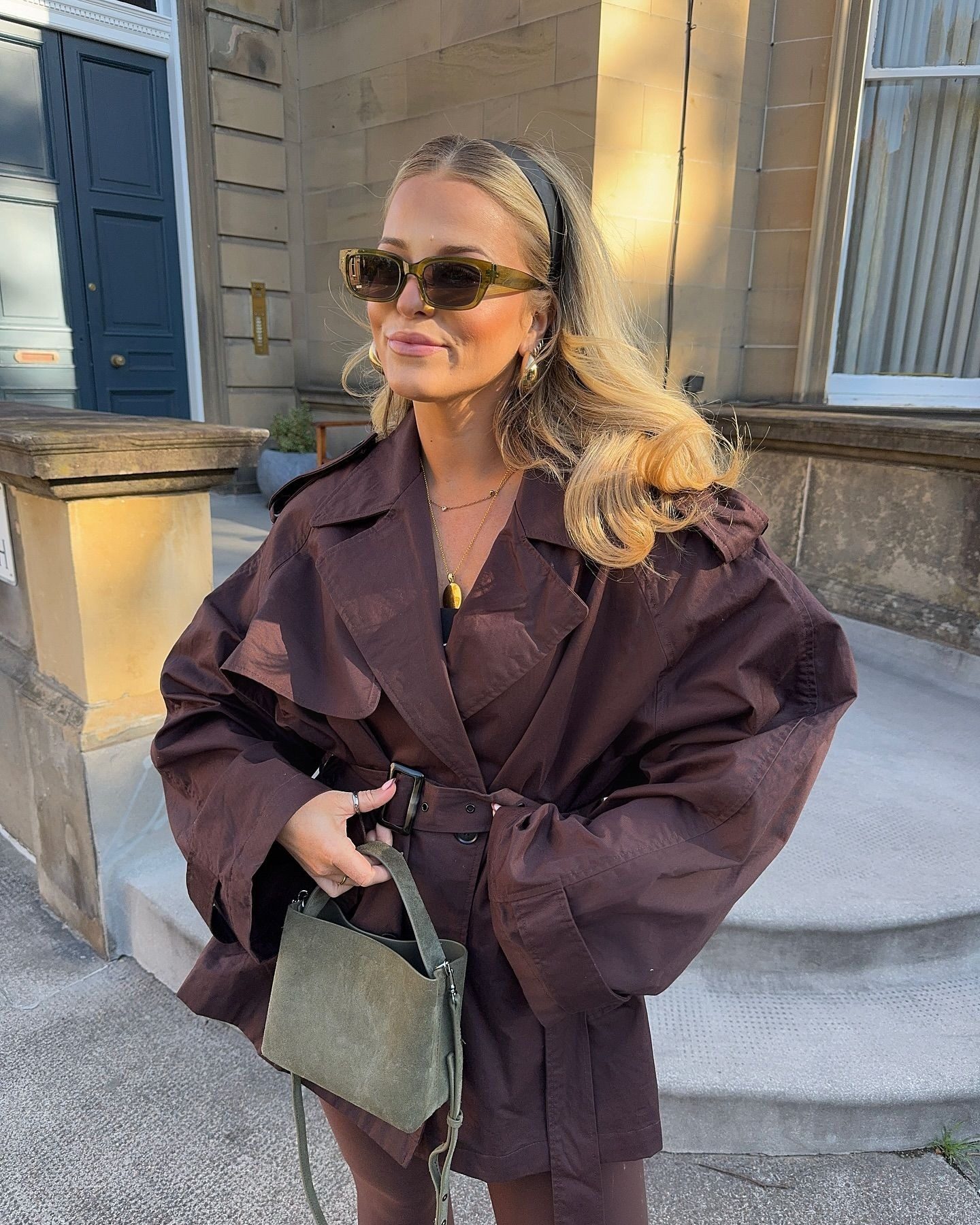
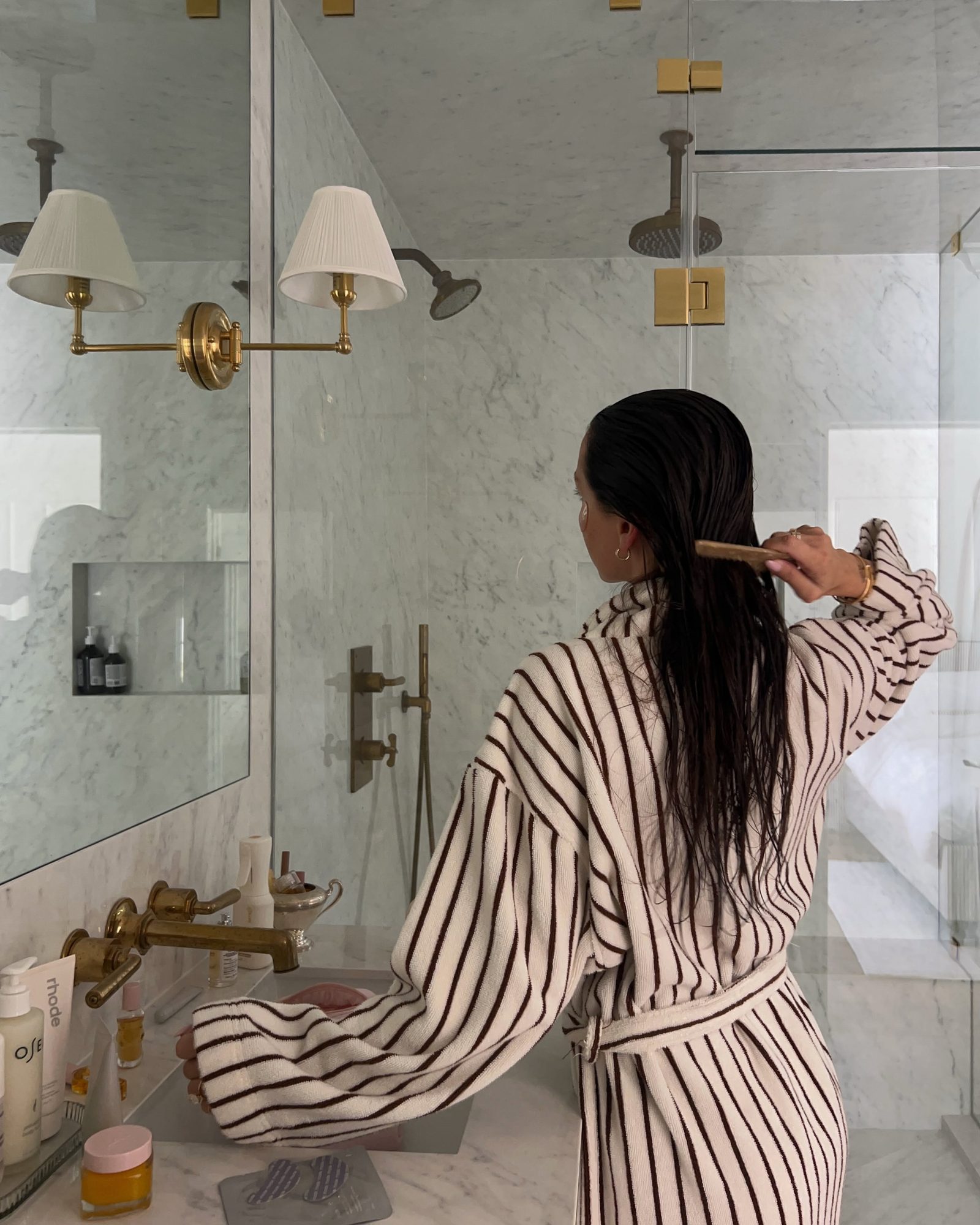
Your camera roll is already full of your clothes, from mirror selfies to outfit photos you took and forgot. Phia's instant camera roll sync turns those photos into closet items and cleans up the backgrounds for you. Here is how to build a digital closet from the pictures you already have.
How to Add Clothes to a Closet App From Your Camera Roll
Polaroids on the closet door
When Amy Heckerling imagined Cher's computerized closet for Clueless, she has said the idea drew on things like paper dolls and Polaroids. Long before anyone had a closet app, plenty of stylish people kept Polaroids of outfits that worked, pinned inside a closet door or tucked into a mirror, so they could remember them later.
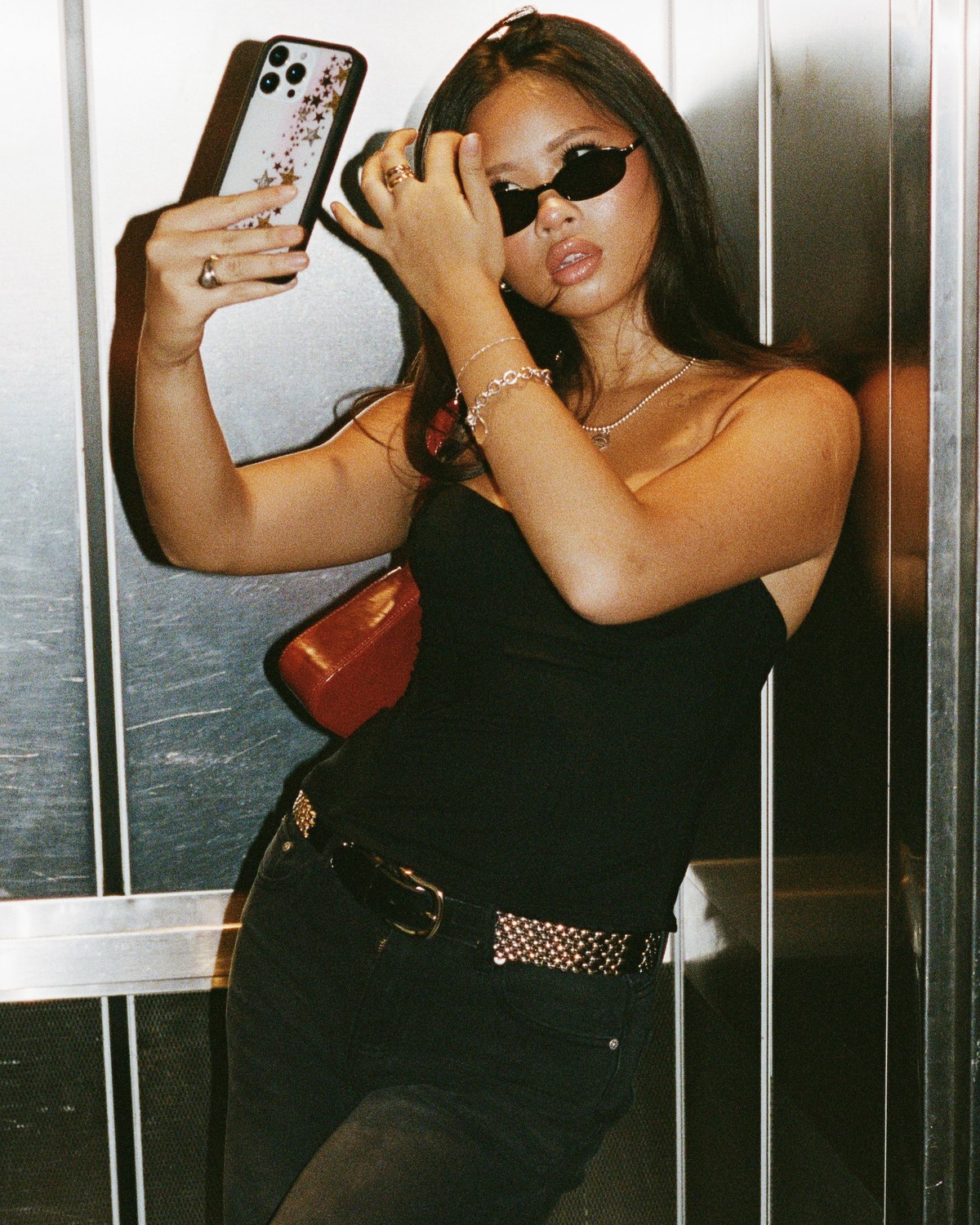
Confession #1: my camera roll has more than two thousand mirror selfies. I did not take them to catalogue my wardrobe. I took them to send to friends, to check a fit, to remember a good day. But together, they are a nearly complete record of what I own.
Yours probably is too. Which makes the camera roll the most underrated way to build a digital closet. The photos already exist. They just need to become closet items.

Instant camera roll sync
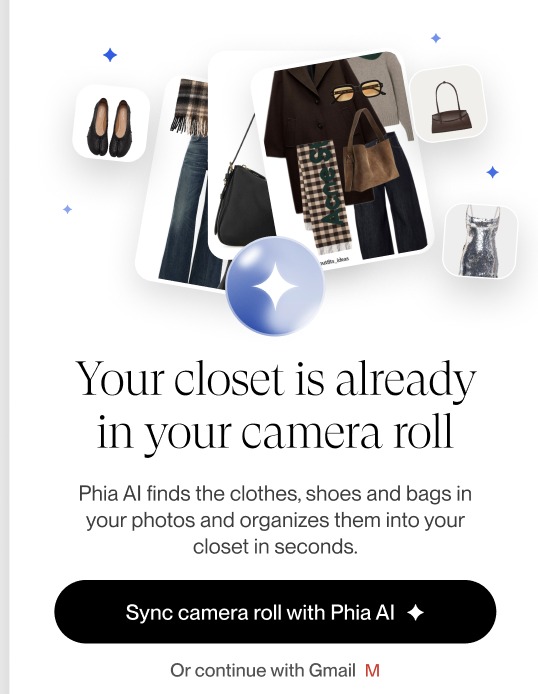
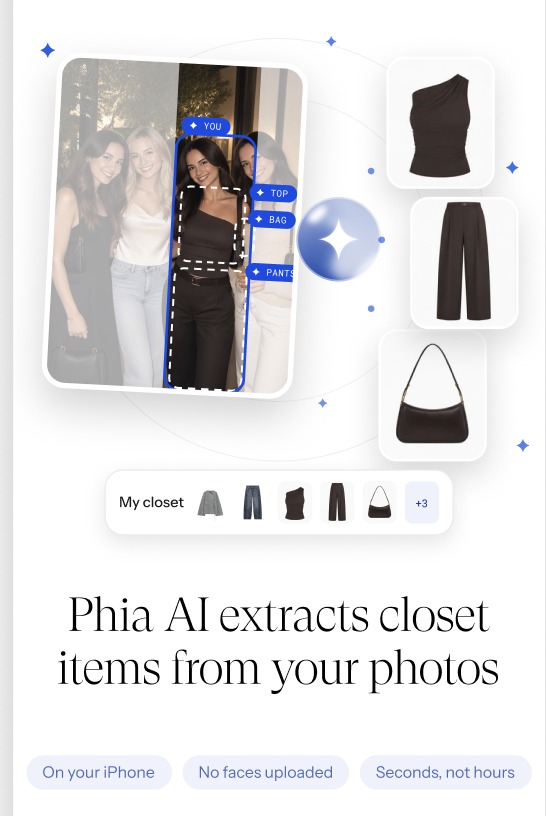
Phia's instant camera roll sync adds clothes you have already photographed to your closet. Instead of laying every piece on the bed and taking a new photo, you let Phia find them in pictures you took months ago. Phia's own setup screen puts it simply: Phia AI finds the clothes, shoes and bags in your photos and organizes them into your closet in seconds. It runs on your iPhone, and no faces are uploaded.
The part that makes it work is the cleanup. A mirror selfie is a messy image, with a bathroom, a phone and half a radiator in it. Phia cleans up every item so it sits in your closet as a neat, consistent picture, which is what makes the closet pleasant to scroll rather than a jumble of screenshots.
It also works from outfit photos. Share a full look and Phia can turn it into the individual closet pieces, each with its own item page. A practical test: start with your last twenty outfit photos. Those are the clothes you actually wear, which is the right foundation for any closet.
Fill the gaps without a photoshoot
The camera roll will not catch everything. The dress you have never photographed, the boots that are always cropped out of the frame. For those, Phia lets you search the web for the item from inside the closet and add the product photo, or add the piece yourself.
The other big source is Gmail. Connect it and Phia reads retailer order confirmations, receipts and shipping emails, turning each online purchase into a closet item with its photo, brand, size and color. Between Gmail and the camera roll, most closets fill up in minutes. Anything you buy through the Phia extension lands at checkout from then on.
What I would skip: adding every single photo you have ever taken. Old selfies include clothes you no longer own. Add what you still have, and remove anything that turns out to be long gone. I wrote more about setup in How to Make a Digital Closet Without Photographing Everything You Own.
Tag it once, use it forever
Once the photos become closet items, a quick tag pass makes them useful. Each item can be tagged for season, color and style, and you can edit any tag Phia gets wrong. It takes a few minutes for the pieces you wear most and pays off every time Phia suggests an outfit.
With the closet in, Phia's Style analysis reads it and writes a short description of your style, with your top colors by percentage, your vibes and your top brands. It is oddly moving to see a summary of yourself built from your own mirror selfies.
From there the Outfits tab builds looks from what you own, with Style from one item, Generate outfit and Suggested outfits for you, and the For you tab sends a new outfit idea daily once you have five tops and five bottoms.
Keep the photos coming
The nicest thing about building a closet from your camera roll is that the habit already exists. You will keep taking mirror selfies whether or not a closet app is involved, so every new outfit photo becomes another chance to keep the closet current.
When the closet shows a real gap, Phia is a shopping assistant first. It compares prices across more than 220,000 sites, new and secondhand, and you can try a piece on virtually before you buy, as a vibe check rather than a size guide.
To try it, download the free Phia app, allow camera roll sync, and connect Gmail for your online orders. On a laptop, the Chrome extension sends desktop purchases straight to the closet. The Polaroids on the closet door just moved into your phone.